Many businesses are retiring systems they have run for years. This guide focuses on replacement: why it is happening in 2026, how to tell when it is the right route and how to run the project without disrupting operations.
If you are still deciding between keeping, rebuilding and replacing, start with our guide to upgrading, rebuilding or replacing a legacy system. For the business case behind modernization, read why businesses need legacy application modernization.
What replacing a legacy system means
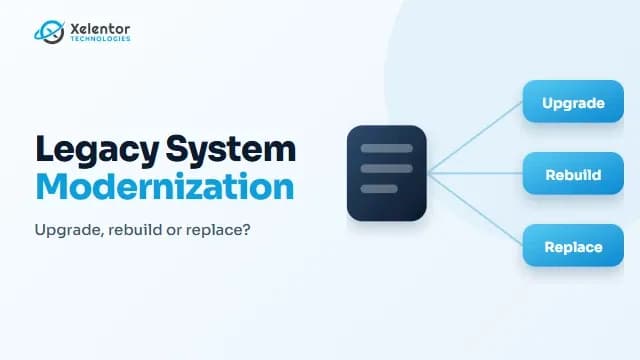
Replacing means retiring the old system and moving to something new, either a ready-made product or software built for you. Upgrading improves the existing system. Rebuilding recreates its functions on modern technology. Replacing retires the old system altogether.
Why businesses are replacing legacy systems in 2026
The vendor or platform has ended support
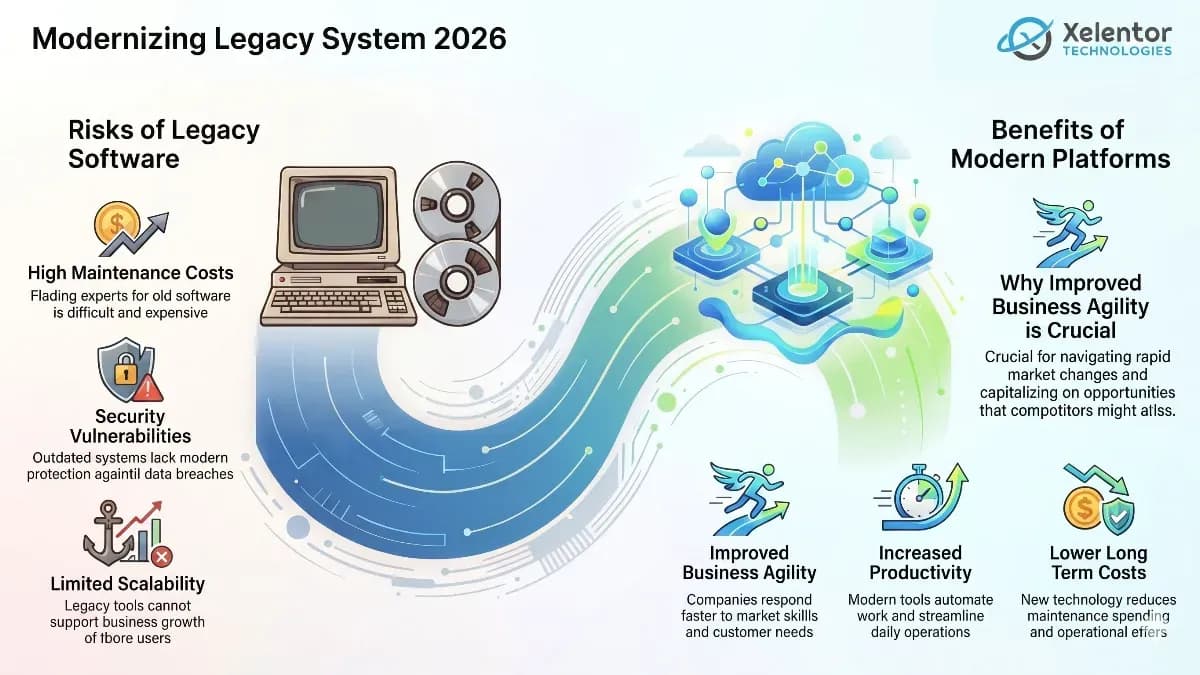
When a product no longer receives security updates, every month of use adds risk and fewer people know how to maintain it.
Security and compliance exposure
Older systems often lack modern authentication, encryption and audit trails. Customers and regulators expect these.
The system cannot connect to anything new
If it cannot share data through APIs, every integration with a CRM, payment service, mobile app or AI tool becomes manual work or a fragile workaround.
AI readiness
AI features need clean, accessible data and clear interfaces. Systems that lock data away make that difficult.
Skills are hard to find
Fewer engineers work with outdated technologies, which raises support costs and creates dependence on a few individuals.
The business has changed
New products, markets, acquisitions or ways of working often outgrow software built for the old process.
Signs replacement is the right route
- Maintaining the system costs more each year while it delivers less
- The technology is out of support and cannot be upgraded
- A modern product already covers most of what you need
- Rebuilding would recreate processes you want to change anyway
- Your requirements have changed so much that the old design no longer fits
If the core logic still has real value and only the technology is old, rebuilding or upgrading may be a better route.
Replace, rebuild or upgrade
| Route | Choose it when | Main risk |
|---|---|---|
| Upgrade | The system is sound and needs newer components | Does not fix deep design limits |
| Rebuild | The logic is valuable but the technology is holding it back | Needs careful scoping and phasing |
| Replace | A ready-made or new system fits better than the old one | Data migration and user change |
How a replacement project runs
- Map what the old system really does, including the processes nobody wrote down
- Decide whether to buy a product or build custom software and compare options against your requirements
- Plan the data migration: what moves, what is cleaned and how it will be checked
- Run a pilot with a small group before the full rollout
- Prepare a cutover plan with a way to go back if something fails
- Train users before launch and support them after
- Retire the old system only when the new one is proven, then keep a secure archive of historical data
Risks and how to reduce them
- Lost or corrupted data: validate migrated data against the source before cutover
- Disruption to daily work: migrate in stages and plan around busy periods
- Missed hidden requirements: interview the people who use the system every day
- User resistance: involve users early and train them properly
- Budget and timeline overruns: agree scope in writing and review progress at each phase
Questions to ask a vendor
- How will our data be migrated and verified?
- Can we run the old and new systems side by side for a period?
- What is the plan if cutover fails?
- Who owns the code, data and documentation?
- What support is provided after launch?
Conclusion
Replacement is worth it when keeping the old system costs more than the change. Plan the data, the people and the cutover as carefully as the software. Move in stages so the business keeps running.
Frequently asked questions
Why are businesses replacing legacy systems?
The main reasons are ended vendor support, security and compliance gaps, poor integration, difficulty adopting AI, a shortage of skills and business needs that the old system no longer meets.
When should I replace a legacy system instead of rebuilding it?
Replace when a modern product already covers most of your needs or the old design no longer fits the business. Rebuild when the logic is valuable and only the technology is outdated.
How long does it take to replace a legacy system?
It depends on the size of the system, the amount of data and the number of users. Larger projects are best delivered in stages rather than as one big cutover.
How do I avoid disruption during replacement?
Run a pilot, migrate in stages, validate data before cutover and keep a plan to go back if something fails.