
Near-miss reporting by QR code, text or voice, with no login
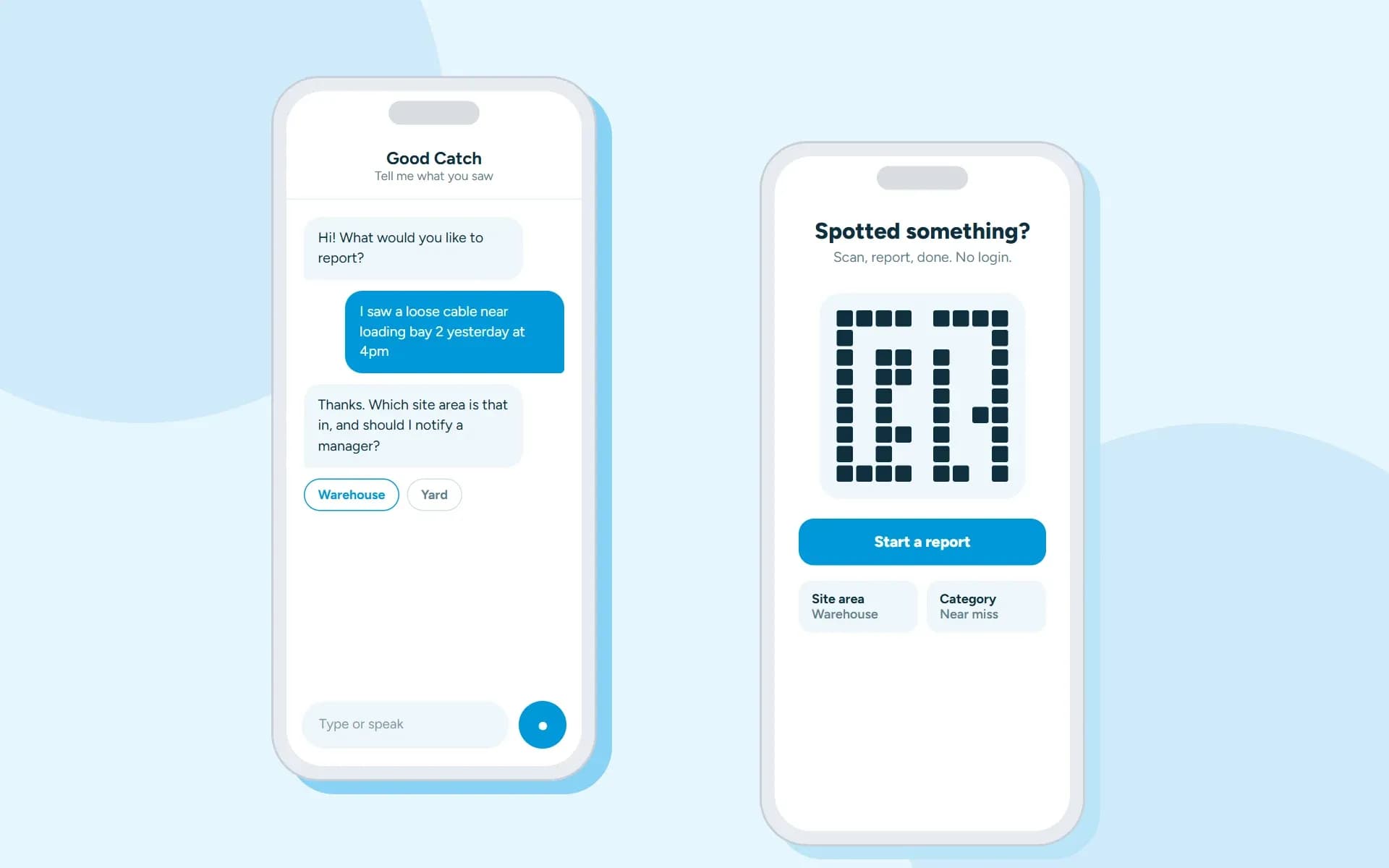
A B2B EHS software company in Ireland wanted frontline workers to report near misses in seconds, even without an account. We built the Flutter app, the APIs, the web admin and an AI assistant that takes reports by chat or voice.
The situation
Most near misses were never reported.
Near misses are early warning signs of serious incidents, but most went unreported.
The people reporting are frontline workers, contractors and visitors on site.
Long forms or a word to a supervisor
Frontline workers often had no system account. Reporting meant a long form or telling a supervisor who might never log it.
Incomplete reports
Reports that did arrive often missed the location, category or photos, so they were hard to act on.
No way in for visitors
Contractors and visitors had no easy way to raise a concern at all.
Our approach
An AI assistant that can be trusted with safety records.
A chatbot that guesses or invents details is useless for compliance data. The assistant had to be reliable enough to create real records. It also had to work by voice on a noisy site.
A guided conversation
The AI first takes everything it can from the worker's opening message, then asks only for the missing details, one at a time.
Grounded in real data
It can only choose sites, categories, teams and managers that really exist for that company. Every record is checked before it is saved.
Secure without a login
The company is identified securely from the QR token, not from a user account. Replies stream back as they are written. Voice works live as well.
Technology
What it is built with
A Flutter app on a .NET API. The assistant uses Azure OpenAI, with Azure AI Speech for voice.
- Flutter
- .NET
- Microsoft SQL Server
- Azure Blob Storage
- Azure OpenAI
- Azure AI Speech
Results
What changed for the client.
Before → after
From a chore to seconds.
Reporting is quick and the reports are complete. Each one can become a tracked action.
Long formsQR code, no login
Workers scan a poster on site and report straight away, with no account or password.
Reports with gapsStructured reports
Site area, category, type, team, exact location, description and photos.
Telling a supervisorReport by chat or voice
Workers write or speak naturally. The assistant replies in text or a natural voice.
Reports that stallManager approval
An approved report becomes a non-conformance with a tracking number, remedial actions and status history.
No overviewInsight
A status dashboard, pins on the site map, weekly site summaries and a data feed for BI tools.
One form for everyonePer-company setup
Each organization can rename labels, add custom fields and switch fields on or off.
Related
More about this kind of work
EHS software
Software for environment, health and safety teams.
See the industryAI chatbot development
Assistants that answer from your own data, for customers and teams.
See the serviceCustom software development
Business platforms, client portals and internal tools built around how you work.
See the serviceFlutter development
iOS and Android apps from one Flutter codebase.
See the technology
Tell us about your project
You will hear back from our team within one business day.